


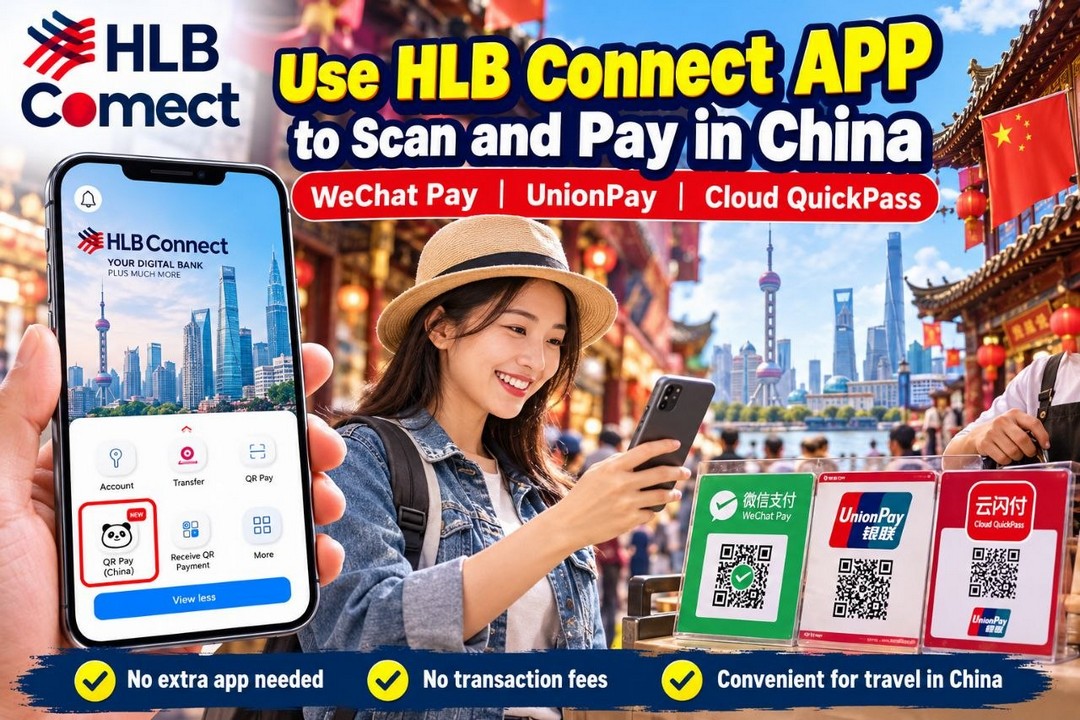
Planning a holiday to China? Malaysians travelling overseas can now look forward to a more convenient way to pay for shopping, meals and everyday purchases with the introduction of Hong Leong Bank’s (HLB) QR Pay service through the HLB Connect mobile banking app.
Announced on 22 October 2026, this new payment feature allows eligible HLB customers to scan supported UnionPay and Weixin Pay (WeChat Pay) QR codes at participating merchants in China. Even better, travellers do not need to top up a separate third-party e-wallet just to enjoy this cashless payment option.
For Malaysians who enjoy exploring shopping districts, visiting local markets, sampling Chinese street food or hunting for souvenirs, having another payment option can make travelling a little less complicated. HLB also states that there are no transaction fees or service charges for payments made through this QR Pay service, making it worth considering when planning a travel budget.
The service is powered by a partnership with UnionPay International and is designed to give eligible customers a more straightforward way to pay using a familiar Malaysian banking application.
Official announcement: https://www.hlb.com.my/en/personal-banking/news-updates/hlb-customers-can-now-scan-and-pay-in-china-with-hlb-qr-pay.html
What Is HLB QR Pay and How Does It Work?
HLB QR Pay allows eligible customers to make payments directly through the HLB Connect mobile banking app at participating merchants that accept supported UnionPay or Weixin Pay QR codes.
According to HLB, the service covers more than 120 million UnionPay and Weixin Pay QR-enabled merchant locations across China. These include retail shops, restaurants, smaller businesses and individual merchants.
This could be particularly useful when visiting major destinations such as Shanghai, Beijing, Guangzhou, Shenzhen and Chengdu, where travellers may encounter QR payments when buying food, paying for meals or shopping for local products.
Rather than downloading another payment application and transferring money into a separate wallet, eligible customers can use the HLB Connect app to complete supported transactions.
There are two ways to pay.
Option 1: Scan the merchant’s QR code
Open HLB Connect, select QR Pay (China) and scan the merchant’s supported UnionPay or Weixin Pay QR code. Depending on the payment process, you may need to enter the amount manually before checking the details and authorising the transaction.
Option 2: Let the merchant scan your QR code
You can also generate your own payment QR code through the HLB Connect app and show it to the merchant. The merchant can then scan the code to process the payment.
This second option can be handy when a shopkeeper prefers customers to display their payment codes instead of scanning a code at the counter.
However, not every QR code in China is necessarily compatible with this service. Always look for the relevant payment logos and confirm that the merchant accepts the supported payment method.
How to Activate HLB QR Pay Before Your Trip
If you are planning a holiday to China, it is a good idea to set up the service before leaving Malaysia. The last thing you want is to be standing at a busy restaurant counter trying to activate a payment feature while other customers are waiting.
Follow these steps to get started:
- Open the HLB Connect mobile banking app and log in.
- Tap Menu.
- Select App Settings.
- Choose Manage QR Pay Setting.
- Select the bank account you want to use for QR payments.
- Switch on the UnionPay option.
- Complete any verification steps required by the bank.
Once the setup is complete, check that you can access the QR Pay (China) function in the app. Availability depends on your account eligibility, applicable limits and HLB’s terms and conditions.
For the bank’s official instructions, visit: https://www.hlb.com.my/en/personal-banking/hlb-connect/unionpay-qr-service.html
How to Pay at Shops and Restaurants in China
After activation, making a supported QR payment is relatively straightforward.
If you want to scan the merchant’s QR code, open HLB Connect and swipe up to select QR Pay (China). Scan the supported code displayed by the merchant and check whether you need to enter the purchase amount manually.
Before proceeding, confirm that the amount and merchant details are correct. Tap Ready to pay and follow the on-screen instructions to complete the transaction.
Alternatively, if the merchant needs to scan your code, open HLB Connect, select QR Pay (China) and tap Show My QR. Display the code to the merchant, check the payment details and follow the instructions to authorise the transaction.
It is worth taking a few extra seconds to check the final amount before confirming any payment, especially when shopping at unfamiliar outlets or purchasing several items at once.
Keep your transaction confirmations as well. They can help you track your holiday spending and make it easier to review purchases when you return home.
No Transaction Fees: A Useful Advantage for Travellers
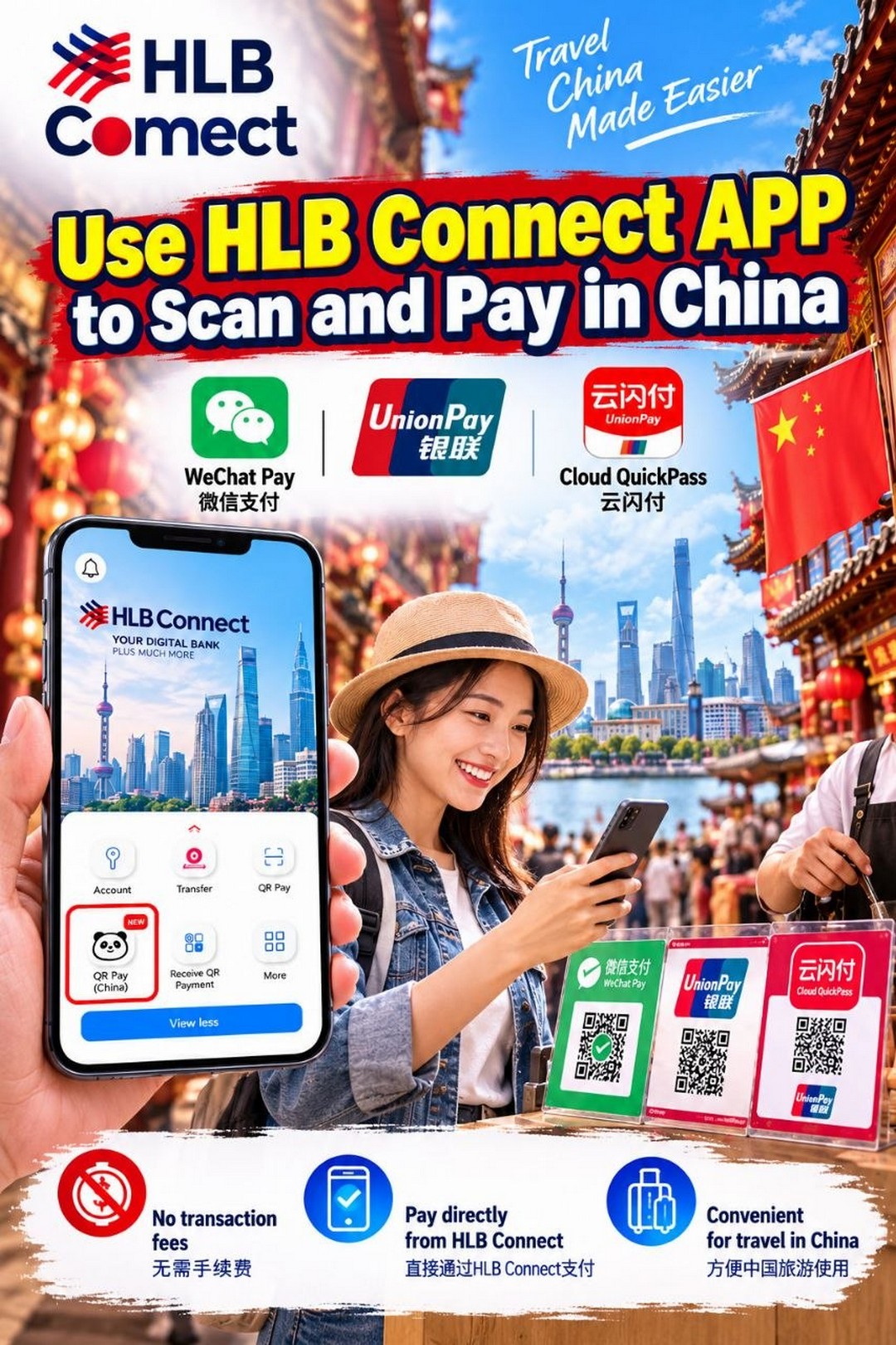
One of the main attractions of this service is that HLB states there are no transaction fees or service charges for HLB QR Pay payments in China.
This could be useful for travellers who make frequent small purchases throughout the day. Think about buying breakfast, picking up drinks, paying for lunch, purchasing snacks and stopping at shops for souvenirs.
Even small charges can add up during a holiday, so avoiding additional transaction fees is a welcome benefit.
However, remember that zero transaction fees do not necessarily mean every transaction gives you the best exchange rate. Currency conversion and the account balance used for settlement can affect the final cost in Malaysian Ringgit.
For that reason, it is still sensible to understand the applicable exchange rate and check the payment information before confirming a purchase.
Can Malaysians Convert RM into Chinese Yuan Before Travelling?
Yes. Eligible HLB customers with a Pay&Save Account/-i can use the bank’s multi-currency feature to convert Malaysian Ringgit (MYR) into Offshore Chinese Yuan (CNH) before travelling.
This option may appeal to travellers who prefer to prepare part of their spending money in advance. Instead of relying entirely on the exchange rate applied when making each purchase, they can monitor the available rates and decide when they are comfortable converting an amount.
To convert your money, follow these steps:
- Open the HLB Connect app.
- Tap Menu.
- Select Foreign Currency Deposit.
- Choose CNH from the currency selection.
- Enter the amount in RM you wish to convert.
- Review the conversion details and confirm the transaction.
Once converted, the CNH balance can be held in an eligible multi-currency account and used for supported payments.
HLB states that if the available CNH balance is insufficient, the payment will automatically be deducted from the primary MYR account. Therefore, check your balances and understand which funds may be used before making purchases.
Currency conversion remains subject to the account’s eligibility requirements and applicable terms.
Find out more here: https://www.hlb.com.my/en/personal-banking/hlb-connect/unionpay-qr-service.html
Smart Shopping Tips for Malaysians Visiting China
Whether you are travelling for a family holiday, a shopping trip or a business visit, a little preparation can help you manage your spending more comfortably.
1. Activate the service before departure
Set up QR Pay while you still have reliable internet access in Malaysia. Log in to the app and familiarise yourself with the payment function before your trip.
2. Compare exchange rates
If you intend to convert RM into CNH, check the available exchange rate before proceeding. Consider converting an appropriate amount rather than automatically exchanging your entire travel budget at once.
3. Check your transaction limits
You can manage QR Pay transaction limits through the app’s Menu, followed by Account Settings & Limits, Transaction Limits, and Transfer and QR Pay. Check the available limits and any restrictions that may affect your purchases.
4. Keep another payment option available
Although QR payments are widely used in China, not every merchant will accept the same payment method. Network issues, account restrictions or transaction limits may also prevent a payment from going through.
Carry a suitable backup payment method and some cash for emergencies.
5. Protect your banking details
Use a secure internet connection where possible, keep your phone locked and never share your banking password, PIN or verification codes. Always check the merchant’s details before authorising a transaction.
6. Keep track of your holiday budget
Set a daily spending allowance for food, shopping and sightseeing. Reviewing your transactions regularly can help you avoid overspending, particularly when visiting busy shopping areas with plenty of tempting purchases.
Why Should You Consider HLB QR Pay for Your Next China Trip?
The main advantage is convenience. Travellers can use an eligible Malaysian banking app to make supported payments without having to set up and top up another third-party e-wallet specifically for these transactions.
The service also offers flexibility, with options to scan a merchant’s code or display your own. For eligible customers who use the multi-currency feature, preparing a CNH balance in advance provides another way to organise travel spending.
The stated absence of transaction fees or service charges is an additional benefit, particularly for people who expect to make numerous small purchases throughout their trip.
It may be especially useful for travellers who enjoy exploring local shopping streets, visiting restaurants and buying souvenirs along the way. Less time spent figuring out payment arrangements can mean more time enjoying the destination.
Still, this is a payment convenience rather than a discount campaign. It does not automatically mean that products, meals or attractions will cost less. Travellers should continue comparing prices, checking exchange rates and keeping an eye on their budgets.
Final Thoughts
HLB’s new QR Pay service is a welcome development for Malaysians planning to visit China. By allowing eligible customers to scan supported UnionPay and Weixin Pay QR codes through HLB Connect, the bank offers another way to make everyday purchases without relying on a separate third-party e-wallet.
The service’s stated zero transaction fees and optional MYR-to-CNH conversion feature may also help travellers organise their spending more conveniently.
Before your next trip, take a few minutes to check your eligibility, activate the feature, review your transaction limits and understand the applicable currency conversion arrangements. Keep a backup payment method ready, too, in case a merchant or transaction is not supported.
For Malaysians who want a smoother cashless payment experience while exploring China, HLB QR Pay is certainly worth looking into before packing their bags.
Promotional/Event Details
Date: From 25 October 2026 onwards; check HLB Connect and the bank’s official website for service availability and applicable terms.
Time: Available for supported transactions according to the service’s operating conditions and participating merchants’ business hours.
Venue: Participating UnionPay and Weixin Pay QR-enabled merchants in China. HLB’s service information also lists Hong Kong and Macau; check the latest official terms for supported locations.
Merchant/Brand: Hong Leong Bank (HLB)
Promotion Type: Digital Banking Service / Cashless QR Payment Service
Key Benefits:
- Scan supported UnionPay and Weixin Pay QR codes using HLB Connect.
- No need to top up a separate third-party e-wallet for supported payments.
- HLB states there are no transaction fees or service charges for HLB QR Pay payments in China.
- Eligible Pay&Save Account/-i customers can convert MYR into CNH through the multi-currency feature.
- Pay by scanning a merchant’s QR code or displaying your own payment QR code.
Official Announcement: https://www.hlb.com.my/en/personal-banking/news-updates/
Official Activation Guide: https://www.hlb.com.my/en/personal-banking/hlb-connect/unionpay-qr-service.html

EverydayOnSales help brands connect with our community, the largest warehouse sales consumers database in Malaysia. Advertise with EverydayOnSales Malaysia.